
Your entire content workflow, streamlined.
Drop in your footage and a reference. Streamer edits the video, organizes your files and manages your pipeline. All you do is hit publish.


Google Drive$9.99
Notion$12
Premiere Pro$22.99
Submagic$19
Frame.io$15
Metricool$25
Upwork freelancer, 4 videos$300
Take every video from idea to published in one place.
Start from a video you wish you’d made.
Save an idea with a video you like: paste an Instagram, Facebook or YouTube link, or upload it. Streamer watches it and notes the hook, the story, the look and the captions. Your script and your edit start from there.
Replaces
Trello
ClickUp
Apple Notes
 youtube.com/watch?v=proclick-v2
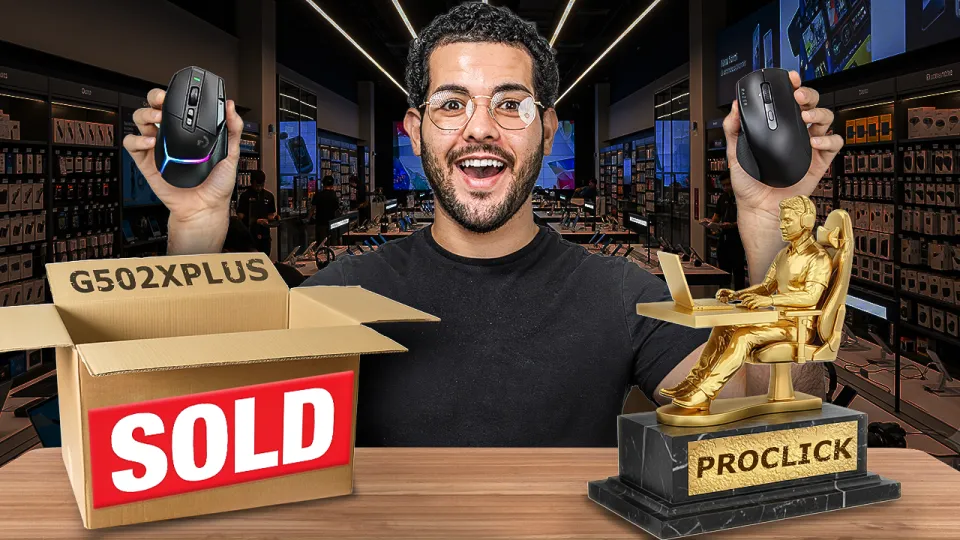
 Why I chose the ProClick V2 over the G502 X Plus
- HookA promise in the first 5 seconds
- StoryThe problem, the solution, the payoff
- LookTalking head, B-roll every few seconds
- CaptionsTwo words at a time, bold
Turn a video you like into your script.
Stuck on what to say? Streamer takes the story beats from your reference and writes the script in your brand’s voice, for the customers in your brand profile. Change any line, or write your own.
ReplacesNotion
Google Docs

I swapped my smartwatch for this smart ring for 30 days. Here’s what I learned.
I wanted to track my sleep, but my watch was so uncomfortable I almost never wore it to bed.
The ring tracks my sleep every night, wakes me in light sleep, and lasts a week per charge. [Sleep score on screen]
It feels like I’m not even wearing it, and these 30 days have been my best sleep in a long time.
Follow for more tech reviews.
Drop in your whole camera roll.
Done filming? Drop in all your clips. Streamer analyzes and de-dupes against every clip already in your brand’s gallery, so you never pay to store duplicates.
ReplacesGoogle Drive
Dropbox
WeTransfer
 0:18
 13:42
 0:21
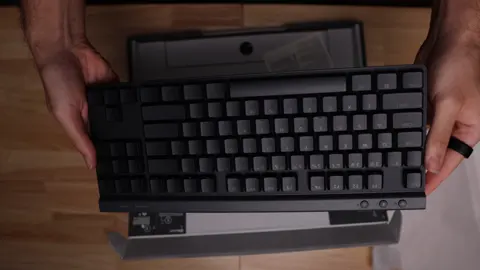 0:16
 7:07
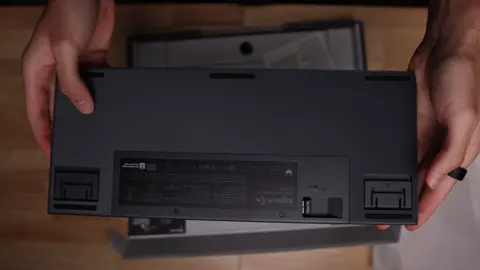 0:19
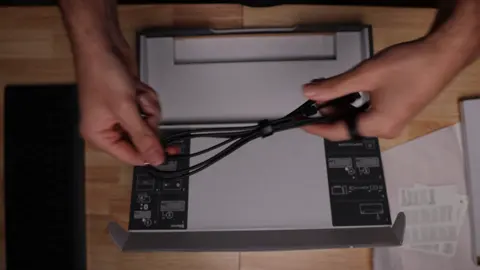 0:240:21Already here
 0:12
 13:42
 0:157:07Already here
10 clips added. 2 were already in the gallery, so each is kept once.

Describe what you want. Streamer edits the whole video.
A 30-second clip shouldn’t cost you two hours. Write a note the way you’d brief an editor and pick a template whose look you like. Streamer cuts your footage, cleans up the audio, grades the color, and adds captions, graphics, music and sound effects in your brand’s voice and the look you want.
Open on the verdict, keep it tight, and end on the subscribe card.
ReplacesPremiere Pro
CapCutSubmagicUpwork freelancer

- Sent to Streamer
- Getting your footage
- Creating a rough cut
- Adding the music you picked
- Cleaning up the audio
- Color grading
- Adding graphics and captions
- Adding sound effects
- Running a final check
- Exporting
- Version 1 is ready
Leave your feedback.Get version 2 in 8 minutes.
Type your comments or draw on the frame, then send them all together. Streamer works through each one and sends version 2 in about 8 minutes.
ReplacesFrame.ioemail threadsa week of back-and-forth
Made the sleep score bigger, held the scores a beat longer and brought the music down.
Mark approved
Approve it, caption it, post it.
Don’t know what to say? Have Streamer write your captions for you. Post to Facebook, Instagram, TikTok and YouTube at the click of a button.
ReplacesMetricool
Buffer
Later
 Instagram
 Facebook
 TikTokYouTube
A month with the Ultrahuman Ring Air: what it got right, and the one thing I’d change.
I stopped wearing my watch for this ring. Here’s what a month taught me.
Ultrahuman Ring Air, one month in. The full review is on the channel.


Any video in any style.
Having a hard time finding your style? Start from one of our 40 templates, or feed Streamer up to five videos you like. He analyzes the captions, graphics, pacing and music they share and turns them into a template. Your brand profile and prompt are read with each edit, so each video is still uniquely you.
Educator split screen
An educator split screen: a light gray grid canvas full of clean explainer graphics (red label tags, outlined boxes, phone mockups, pixelated list items revealed one by one) above a rounded speaker window with the head popping out over its top edge. It cuts back and forth to a tight full-frame talking shot with small plain word-by-word captions, over a mellow low bed.
Vertical 9:16
Learned from videos you like
Paste up to five links. Streamer edits in the look they share.
Your brand, read first
Colors, fonts, logo and how you talk, read before every edit.
Your prompt has the last word
If it clashes with the template or your brand, Streamer follows your prompt. The same goes for every note you leave in review.
Streamer makes it. You keep it.
Streamer keeps everything he makes in your project: the end cards, graphics, music and project files from each edit. Save any stretch of your video as a segment, like an intro, an ad read or your call to action. Pick it for your next edit, or have it added to every project.
Six tools and an editor, or one platform.
Making four videos a month the usual way costs $403.98 in tools and an editor. Creator is $99 and covers up to 11 new shorts.
| Job | Replaces | Your cost | Streamline Pro |
|---|---|---|---|
| Ideas, scripts and tracking | NotionTrelloClickUpApple Notes | $12 | |
| Storing footage | Google DriveDropbox | $9.99 | |
| Editing | Premiere ProCapCut | $22.99 | |
| Captions | Submagic | $19 | |
| Review and approval | Frame.io | $15 | |
| Posting | MetricoolBufferLater | $25 | |
| Someone to edit 4 videos | Upwork freelancer | $300 | |
| A month | 6 tools and an editor | $403.98 | $99Creator |
Prices for one person billed monthly, as published by each tool in October 2026. Each row is priced at its first tool: Notion Plus, Google One 2 TB, Premiere Pro on a yearly plan, Submagic Starter, Frame.io Pro and Metricool Starter. The freelancer is four short videos at $75, where a beginner’s rate meets an intermediate’s. Your own stack gives you unlimited editing time and more storage; Creator includes 1 TB and 35 Streamer credits (11 new shorts).
Start with a free edit.
Seven days, one full edit and a revision. Pick a plan once you’ve seen it work.
Creator
One brand, one person- 1 TB of storage
- 35 Streamer credits a month11 new shorts, or 7 with 2 revisions each
- 1 brand, unlimited projects
- Board and content calendar
- Templates and segments
- Posting and scheduling to Instagram, Facebook, TikTok and YouTube
- Review with notes drawn on the frame
- 1 edit running at a time
Monetizer
A small team with a few brands- 2 TB of storage
- 90 Streamer credits a month, shared30 new shorts, or 18 with 2 revisions each
- 5 brands, unlimited projects
- 3 team seats
- Roles for admins, editors and viewers
- 2 edits running at once
- Claude & ChatGPT MCP
- Priority email support
Agency
Agencies running clients’ content- 8 TB of storage
- 180 Streamer credits a month, shared60 new shorts, or 36 with 2 revisions each
- As many brands as you need
- Unlimited team seats
- 5 edits running at once
- Client review and approval without a seat
- Upload links for clients’ footage, no account needed
- Your logo on client-facing pages
- Reports by client
- Priority in the edit queue
- An onboarding call
A new video uses 3 credits, a revision 1, a photo, carousel or template 1. Over a minute, that much for each minute. Extra credits $3 each, or 10 for $25. Cancel anytime.
Questions
Will it look like AI slop?
It’s your own footage, cut in a look you pick: a template learned from videos you like, in your brand’s colors and fonts. You see every version before it goes anywhere.
What if it doesn’t do what I asked?
Leave notes on the frame and send it back. Streamer tells you what it changed. Each revision uses one credit from your plan.
What’s a credit?
How Streamer’s work is counted. A new video uses 3, each revision 1, and a photo, carousel or template it learns 1. A video over a minute uses that much for each minute. Creator comes with 35 a month, and extra credits are $3.
Do I need to know how to edit?
No. Write what you want the way you’d tell an editor, then comment on what comes back.
I edit my own videos. Is this for me?
If you’d rather spend the evening shooting the next one, yes. Streamer does the cut, captions and graphics in your look, and you make the calls on every version.
I pay a freelancer. Why switch?
Streamer reads your brand and your template before every edit, so you never write a style guide or chase a round. Version 1 comes back in a median of 16 minutes, and a revision in 8.
I run several brands.
Each brand gets its own page: its board, calendar, gallery, look and posting accounts. Switch between them from Brands.
How long does an edit take?
Version 1 comes back in a median of 16 minutes, and 3 in 4 within 30. A revision takes a median of 8. Longer videos take longer.
What can I make?
Vertical and horizontal videos up to 3 minutes, single images, and carousels of up to 10 slides.
Where can I post?
Instagram, Facebook, TikTok and YouTube, now or on a schedule.
Does it work with Claude or ChatGPT?
Yes, on Monetizer and Agency. Add the Streamline Pro MCP in Claude or ChatGPT to plan videos, write scripts and read review notes from there.
Can I cancel?
Anytime. Your files stay yours to download.
What’s your next video?
Start free, and Streamer edits your first one.